When people compare hosting plans, they usually start with CPU, RAM, and storage. These are the easiest numbers to put side by side.
A live web project quickly brings other concerns into the picture. Someone has to watch the server, backups need a place to live, DNS has to point to the right environment, and sooner or later the project may need to move.
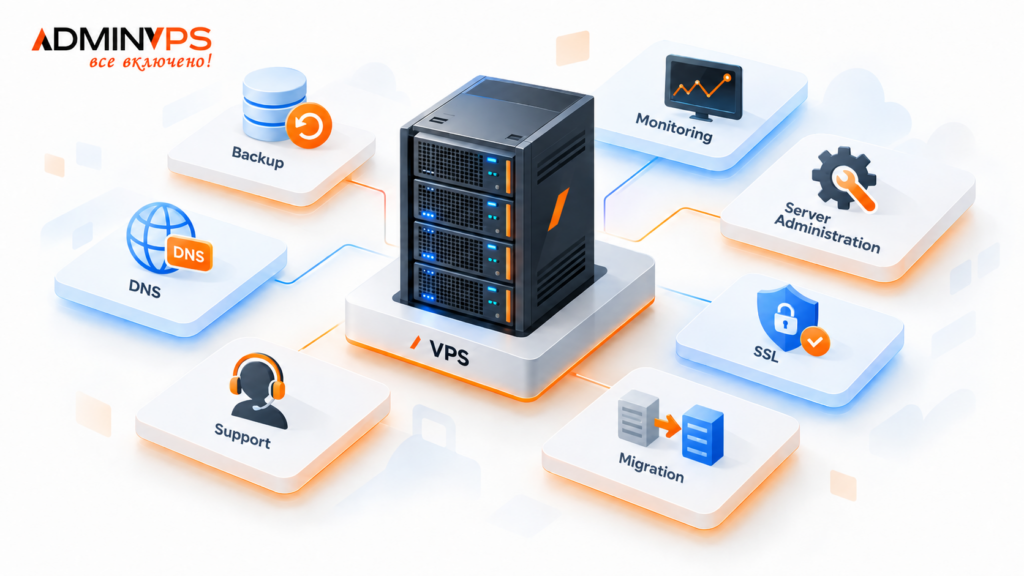
A provider such as AdminVPS is one example of this broader hosting model. Its services include VPS/VDS, backups, monitoring, server administration, migration, and technical support.
The server is still the core of the setup. It is just not the whole setup.
Choosing the server comes first
A small company website and a custom web application do not necessarily need the same type of hosting.
Shared hosting may be enough for a relatively simple site. A VPS is more suitable when the project needs its own environment, specific software, or more control over server resources. A dedicated server may be more appropriate when the workload or infrastructure requirements go beyond what a virtual environment can comfortably handle.
There is little benefit in paying for resources that sit unused. At the same time, choosing the smallest possible configuration simply because it works today can create extra work later.
Location deserves attention as well.
A project used mainly in one country may have different requirements from an international service. A company may also have its own rules about where data should be stored or processed.
For that reason, server location should be considered together with the technical configuration rather than treated as a secondary detail.
What exactly would you restore after a failure?
Having a backup file somewhere is not enough. The more useful question is what could actually be brought back from it: only the website files, the database, or the whole server environment.
Those are different recovery scenarios.
A mostly static website may need little more than its files and configuration. A project receiving new orders, registrations, or other data throughout the day depends much more heavily on recent database copies.
Backup frequency should reflect that difference.
The copy also needs somewhere to live. If both the production site and its only backup are stored on the same VPS, one serious server-level failure can affect both at once. For that reason, backup storage is normally kept separate from the live environment.
AdminVPS offers a separate backup service for websites, VPS/VDS, databases, and selected files.
It is also worth knowing how restoration is performed before a real incident happens. A backup that has never been checked may turn out to be less useful than expected.
Monitoring is not the same as having an online server
A server can be running while the project hosted on it is already developing a problem.
Free disk space may be shrinking. Memory usage may keep climbing. One service may stop responding even though the operating system itself is still available.
None of these situations necessarily takes the whole site offline immediately.
That is why even basic monitoring can be useful. For a small project, an availability check may be enough. A busier service may also need server statistics such as CPU load, memory usage, and available disk space.
The exact set of checks will vary from project to project, but the practical goal is simple: problems are easier to deal with when the team sees them before users start reporting them.
There is little value in collecting dozens of metrics if nobody pays attention to them. A smaller set of relevant checks can be more useful.
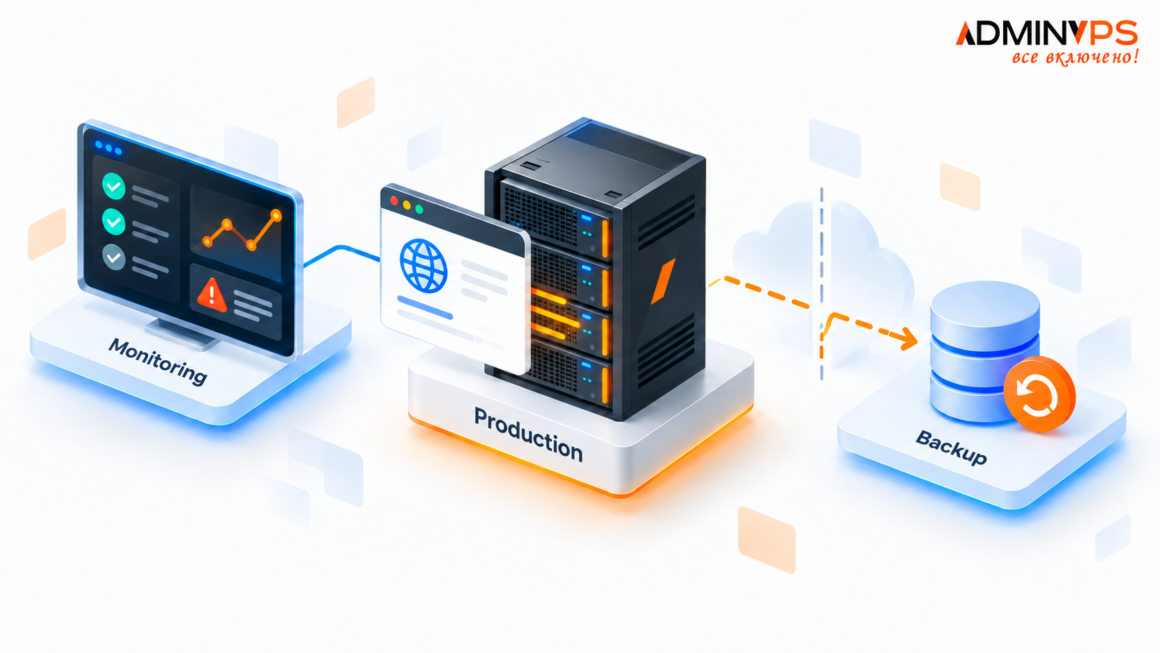
Image 2: Production VPS connected to separate monitoring and backup systems.
Someone has to look after the server
With shared hosting, many server-level tasks remain on the provider’s side. A VPS gives the customer much more control.
That also means more work can move to the customer’s side.
Software has to be installed and configured. Server-level issues need to be investigated. The environment may need changes as the application evolves.
A small project may simply have no dedicated system administrator. The developer who deploys the application can also end up checking disk space, restarting services, or investigating a server issue.
That setup is workable, especially at the beginning. It becomes less convenient once server maintenance starts interrupting regular development work.
Some teams are comfortable managing everything themselves. Others prefer to hand part of the server work to the hosting provider.
AdminVPS also provides server administration, and administration is included with some of its “All Inclusive” VPS plans.
Teams can still keep control of the application itself while leaving part of the server work to the provider. It helps to agree on that division before an urgent problem occurs.
DNS and SSL usually become noticeable during changes
DNS and SSL receive little attention while a website is working normally.
A migration makes them much harder to ignore.
A move can be technically complete while visitors are still landing on the old server. The reason may be simple: the DNS records may still point to the previous IP address.
HTTPS can create another last-minute problem if the certificate or web server configuration has only been prepared for the previous environment.
There may also be subdomains, mail records, or third-party services connected to the same domain.
This is why moving a project is not just a question of copying files from one machine to another. The surrounding configuration has to move with it.
Projects rarely stay on the same infrastructure forever
A website can move from shared hosting to a VPS. A VPS may later need more resources. A project may change location or move to another provider.
None of this is unusual.
Copying the web directory is often the easy part. The things people forget are usually outside it: a database connection, a cron job, a mailbox, a DNS record, or a setting that exists only on the old server.
Even a modest website can therefore take longer to move than expected if nobody has kept track of those dependencies.
Migration support can be useful here, but even without it, keeping a basic record of dependencies makes the next move much easier.
Infrastructure changes are part of the normal life of a web project. They are not necessarily rare emergencies.
Support is most useful when the cause is unclear
“The website is down” does not tell you very much.
The fault could be in the server infrastructure, DNS, the operating system, the web server, or the application itself.
Those problems may belong to different people.
This is why the scope of support matters more than simply seeing “24/7 support” in a comparison table. A hosting provider may cover the infrastructure, while application errors remain with the development team. Server administration may sit somewhere between the two.
Clear boundaries save time when something actually breaks.
Instead of asking several people to investigate the same vague problem, the team has a better idea of where to start.
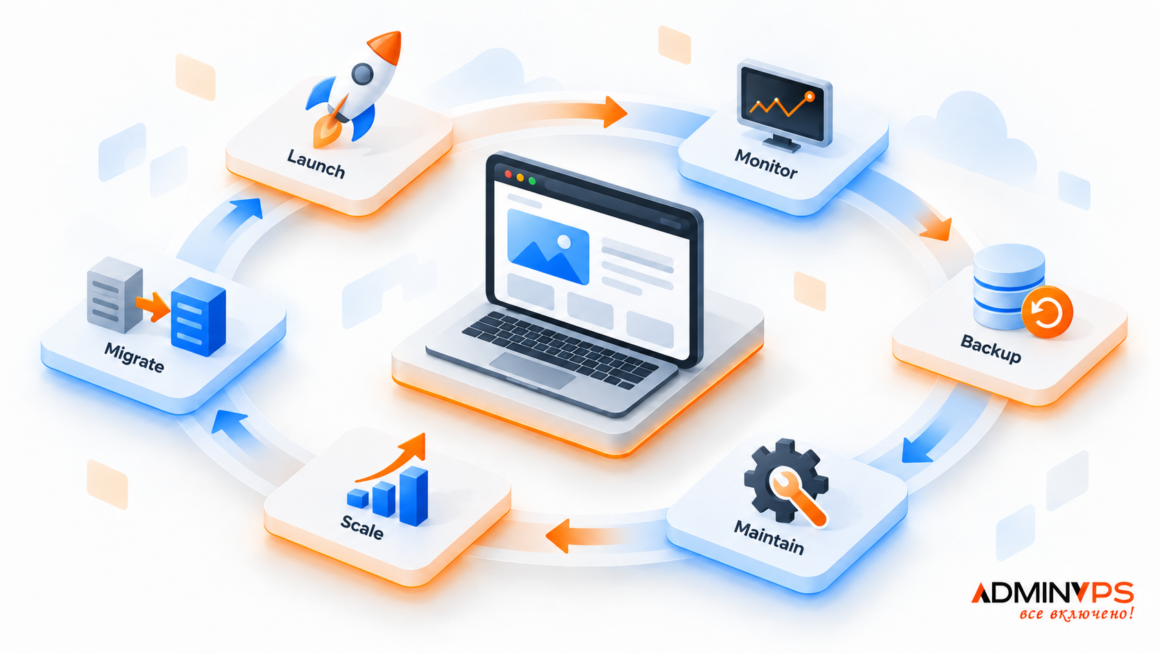
Image 3: Web project infrastructure lifecycle from launch and monitoring to backup, maintenance, scaling, and migration.
What should be checked before choosing hosting?
CPU, RAM, and storage are still a sensible starting point. A few other questions are worth adding before the project becomes dependent on the infrastructure.
Where will backups be stored? What can actually be restored from them? Who watches the server? Who handles administration? What needs to move if the project changes servers? And where does the provider’s responsibility end?
Some teams assemble these parts from several different services.
Others prefer to keep more of them with the same provider. AdminVPS is one example of this approach, combining VPS/VDS hosting with monitoring, backup, administration, migration, and support.
Both approaches can work.
The important part is knowing what exists around the server and who is responsible for each piece. A VPS provides the place where the project runs. Keeping that project recoverable, observable, and maintainable takes a little more than the virtual machine itself.