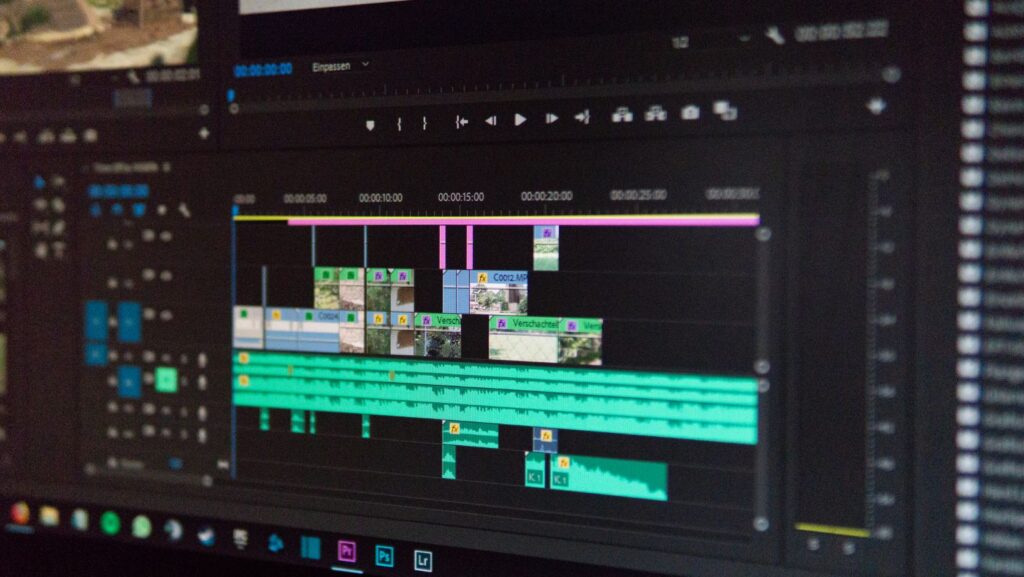
Long videos should be divided into shorter ones on a regular basis to capture the attention of the viewers, emphasize major events, or address the video length restrictions of the platforms.
But not everyone is interested in installing sophisticated editing programs or spending time studying complex tools to cut a clip simply.
This is what has made online video cutters gradually popular. These web-based applications enable users to cut videos quickly and effectively, often in just a few steps.
Free online video cutters are handy for creators and businesspeople who need quick edits without additional charges. They are compatible with standard formats, can be used across platforms, and can be easily integrated into daily processes.
This article discusses five free online video cutters that simplify trimming.
1. Promo Online Video Cutter for Fast and Easy Trimming

Promo provides an online video cutter that lets users trim videos quickly without complex video editing software. The interface is designed for simplicity, and users can upload a video, select specific start and end points, and even export the trimmed video directly from the browser. This is a strategy suitable for marketers, small businesses, and content creators who tend to focus on short videos for promotions or social media.
With the aid of an online video cutter free tool, the user will save time without complicating the process. The platform is also compatible with the most popular video formats, making it easy to manipulate footage from phones, cameras, or desktop computers.
With everything online, software downloads are no longer necessary, and people can comfortably work across systems. A trimming process is easy and convenient, which is why it is appropriate for quick edits when clarity and speed are more important than advanced editing features.
2. Kapwing for Browser-Based Video Trimming
Kapwing is a popular free online video cutter focused on simplicity and accessibility. The user can either upload a video file or paste a link, and the clip can be trimmed by dragging simple handles up and down a timeline. Before exporting the final version, the preview feature helps ensure the cuts are correct.
This is a tool frequently adopted by social media developers and teams that need quick edits to short videos. Shared access is also available on Kapwing and may be helpful when many individuals watch or edit a clip.
Moreover, the platform is effective at reusing longer videos in shorter formats, making it helpful for platforms that limit available time. Although the free version has its limitations, it still offers a solid trimming experience that meets day-to-day video needs.
3. Clideo for Neat and Straightforward Video Cuts

Clideo offers a convenient experience of online video editing that is practical for those who wish to have limited distractions. The site allows you to upload a video, choose the part that you are interested in, and save the cut version in just a couple of clicks.
Its minimalist design maintains the emphasis on slimming rather than on additional features. Clideo is compatible with a wide range of video formats, which is useful when using files from other devices. Being completely web-based, it allows users to cut videos quickly without worrying about compatibility issues.
The tool also lets users cut videos without an account, speeding up the editing process. It is a feasible alternative for individuals who require quick, simple changes without additional complexity.
4. 123Apps Online Video Cutter to Trim to Precision
Online Video Cutter by 123Apps is also popular for its precise trimming controls, yet it is easy to use. The user can also specify the exact start and end points, which helps make clean cuts without missing essential frames. The tool also has a preview feature that lets you review changes before exporting.
This cutter is easy to use for fast editing because it’s online. It is usually selected by users who want more precision than simple trimmers but still prefer a simple interface. The degree of control and ease make it adaptable to both amateurs and ordinary editors.
5. VEED.io for Flexible Trimming

VEED.io is a free online video cutter with trimming and basic editing features. Users can post a video, cut out unwanted parts, and adjust the clip’s length with a clear, responsive timeline. The procedure is never complicated, even among first-time users.
Even though VEED.io has other features, such as text and subtitles, trimming is sufficient in the free version. This is why it is convenient for creators who prefer easy edits for now and add more later. It is particularly appropriate for short materials and fast video updates.
Bringing it All Together
Video trimming has been accelerated by online video cutters and made more available to a large number of users. Free browser-based tools eliminate the need for heavy software and still provide accurate, reliable cuts. These sites can be used to simplify the recording of a short marketing video, a social media video, or even a personal recording.
The examples with workflows that are easy to follow, have a focus on ease and efficiency, are Promo, Kapwing, Clideo, 123Apps, and VEED.io. The amount of editing and the amount of control will dictate the tool to be used. In general, free video cutters online are an effective and helpful tool to cut the video without too many complicated functions.